Record it.Organize it.Share it.
The video library built for leads, engagement, training, demos and support.
Companies already on DemoSix



BillGuard
How BillGuard automates time entries, catches billing issues before invoices go out, and keeps matters organized — shown by the attorney who built it.

Dashboard and User Guide
@HonestoJago
Timekeeper
@HonestoJago
Editing Entries
@HonestoJago















How will you use DemoSix?
Record or Upload
 Screen 1@youRecording1:24PauseDone Recording
Your network
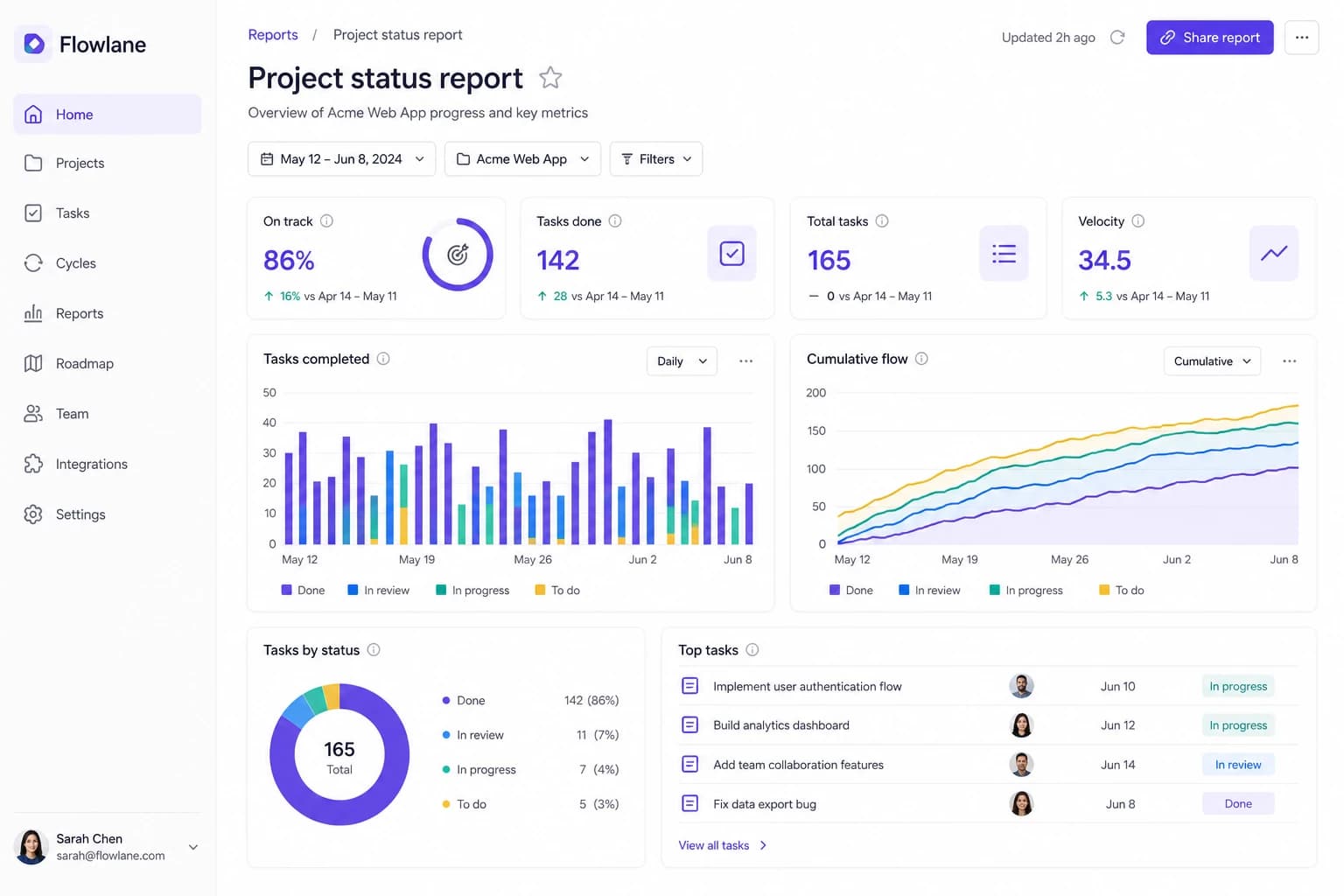
DemoSixYYour Networkby @you · 4 channelsOnboardingTrainingProductSupport 2:14Roadmap board4:02Dashboard tour
 1:38CRM accounts3:26Status reports
Share / Invite
Share demosYYour Networkby @you · 4 channelsOnboardingTrainingProductSupport2:14Roadmap board4:02Dashboard tour1:38CRM accounts3:26Status reports- AAna
- MMarco
- KKai
Invite to networkYYour Networkby @you · 4 channelsOnboardingTrainingProductSupport2:14Roadmap board4:02Dashboard tour1:38CRM accounts3:26Status reports- JJess
- RRen
- SSam
Your workflow library questions, answered
What is DemoSix used for?
DemoSix is a video library for you or your business. Most video platforms are built to pull viewers toward the next creator. DemoSix works for you: when you share your Network, people watch your videos with zero distractions, and nobody else's videos are placed beside yours.
Can DemoSix capture leads from my demos?
Yes, on Team and Business. Capture Leads gives you one email signature link for a Network. When a prospect clicks it, they enter their name and email on a page with your branding, then watch the demos you chose. No DemoSix account needed. Every lead lands in your Leads list with what they watched, ready to export to your CRM.
How do I keep company workflows private?
Choose Private when you create your Network; the access type is permanent. Private Networks are invite-only. Owners and admins manage access, and members can be given access to all Channels or selected Channels.
What is free?
Your account, the recorder, and both Network types — Public and Private — with unlimited recordings and viewers. No card, no clock. Team and Business add teammates who can publish with you, Capture Leads, Who watched and video uploads.
Is DemoSix a screen recording app?
Yes. DemoSix includes a desktop screen recorder for Mac and Windows plus a web platform for organizing, watching, and sharing demos.
Can I organize my recordings?
Yes. DemoSix organizes recordings into Networks and Channels, so related demos live together instead of getting lost in files, chats, or one-off links.
What happens if my recording is longer than 6 minutes?
You can keep recording. When a topic runs longer, DemoSix organizes it into multiple ordered six-minute parts so each published demo still stays focused.
How is DemoSix different from a normal screen recorder?
A normal recorder usually leaves you with a video file. DemoSix helps you publish, organize, and share demos so viewers can find related answers later.